Mealize
A fullstack app that connects businesses with surplus food to nonprofits who need it. Started as a BFA capstone and a coding bootcamp capstone. I later registered an LLC to run it as a company.
Mealize started as my undergraduate graphic design capstone: design and build a clickable prototype for an app that helps a business or nonprofit solve a societal problem. Food scarcity was acute during Covid, so I created Mealize — and in school I created everything: the name, logo, icons, colors, typography, pitch deck, and an interactive Adobe XD prototype. Then, for my capstone at the App Academy coding bootcamp, I took that prototype and built the fullstack application: React, Redux, and styled-components on the front end, Flask and PostgreSQL on the back. After graduation I registered an LLC and aimed to establish Mealize as a company, but I decided to join the industry and work for others first to gain experience.
The app reduces food scarcity and waste by connecting businesses to nonprofits. Before Covid, about 10.5% of US households faced low food security while 30–40% of the food supply was wasted; the pandemic made the gap worse. Mealize is a centralized place where businesses and nonprofits connect, communicate, and set up pickup times for surplus food — so nonprofits get what they need and businesses avoid wasted delivery attempts.
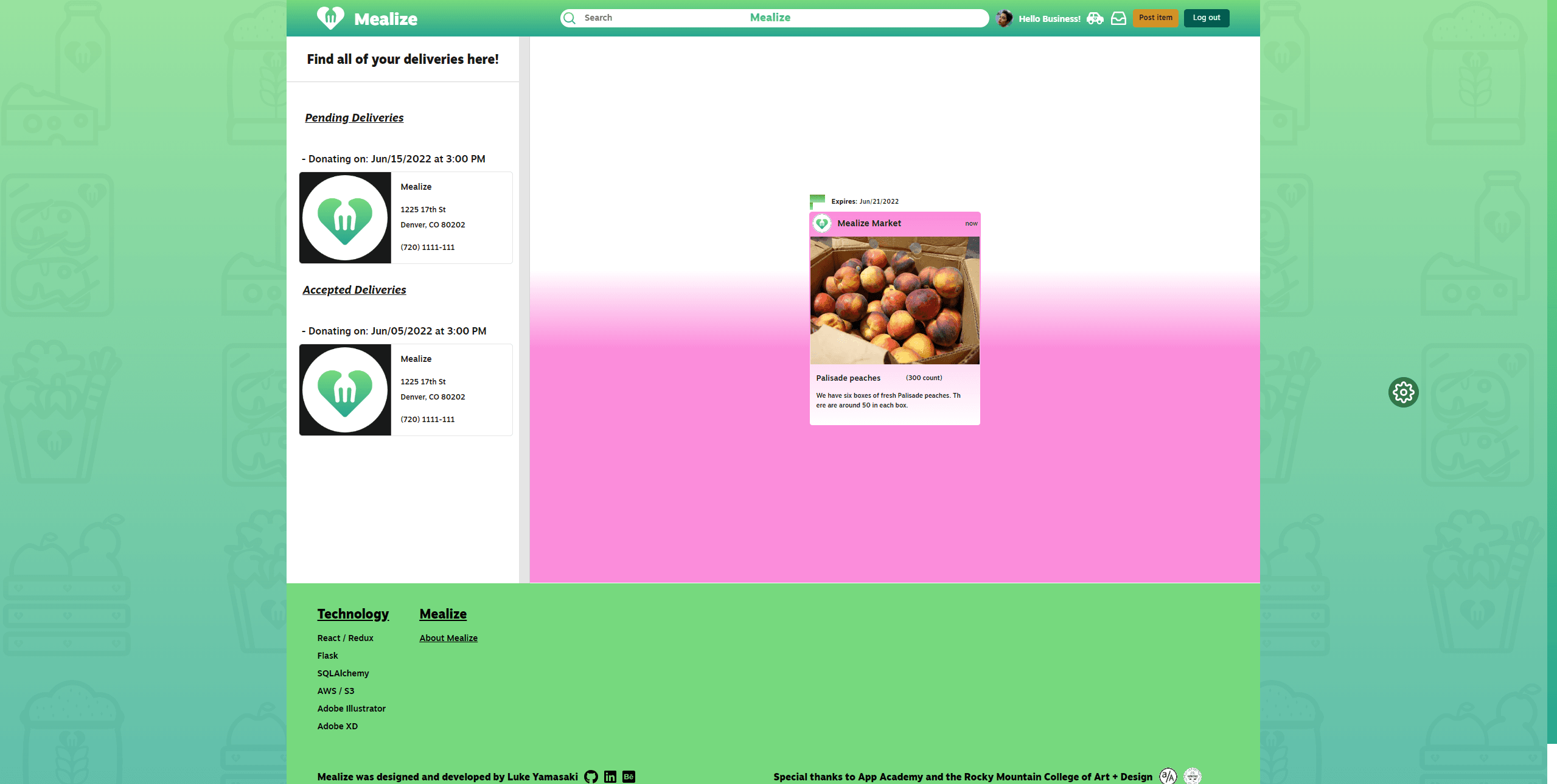
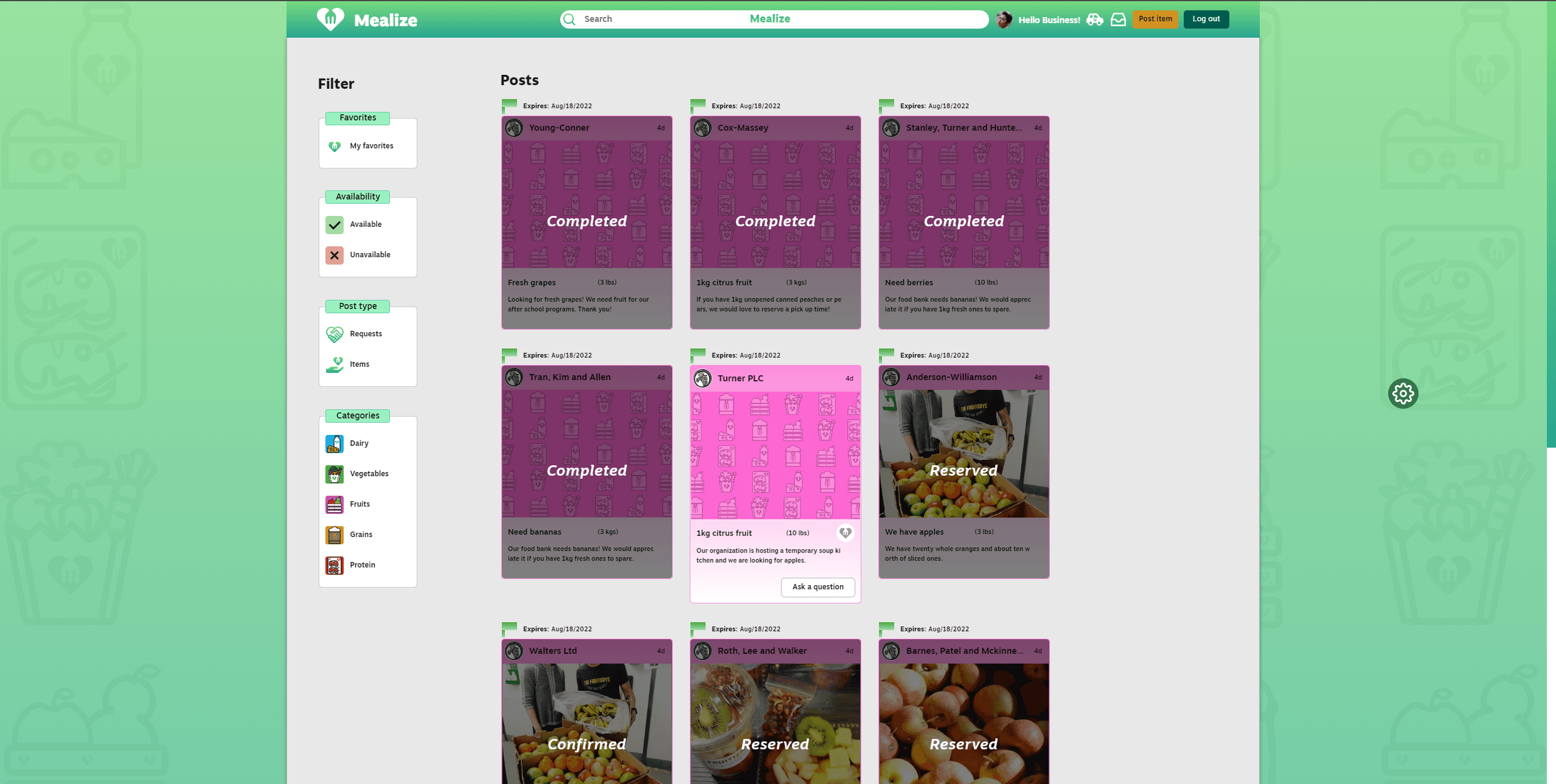
Nonprofit managers post requests (title, description, quantity, end date), filter by category, and create reservations with time slots and business addresses. Business managers post surplus (image, expiration, quantity), accept or decline pickups, and track pending and accepted deliveries. Messaging, favorites, search and filter, demo user flows, and light/dark mode are all in place. The project is open source on GitHub with a wiki that documents the problem, solution, database diagram, design thinking, wireframes, prototypes, user stories, and feature list.
Features
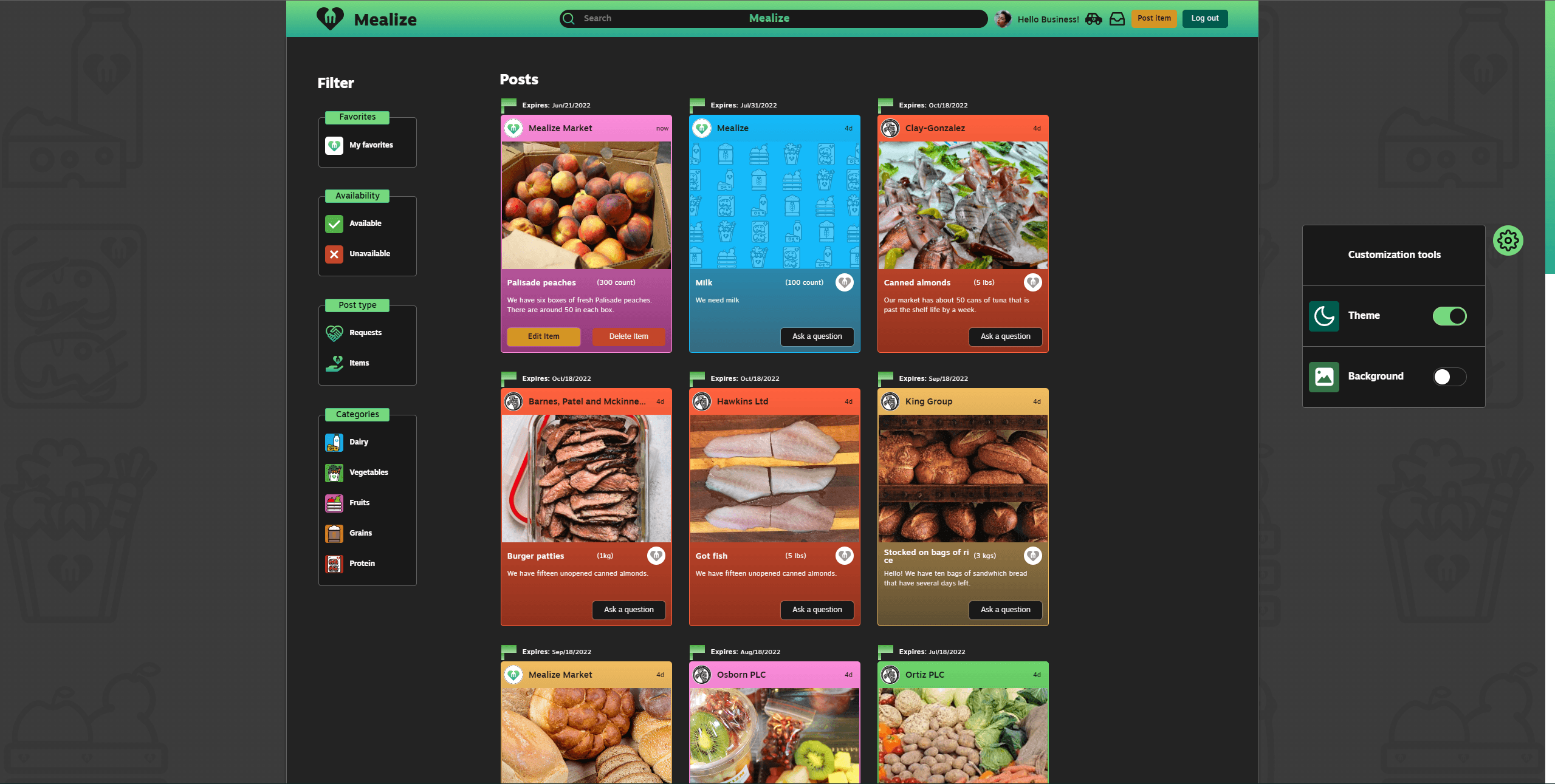
Light mode, dark mode and background customization
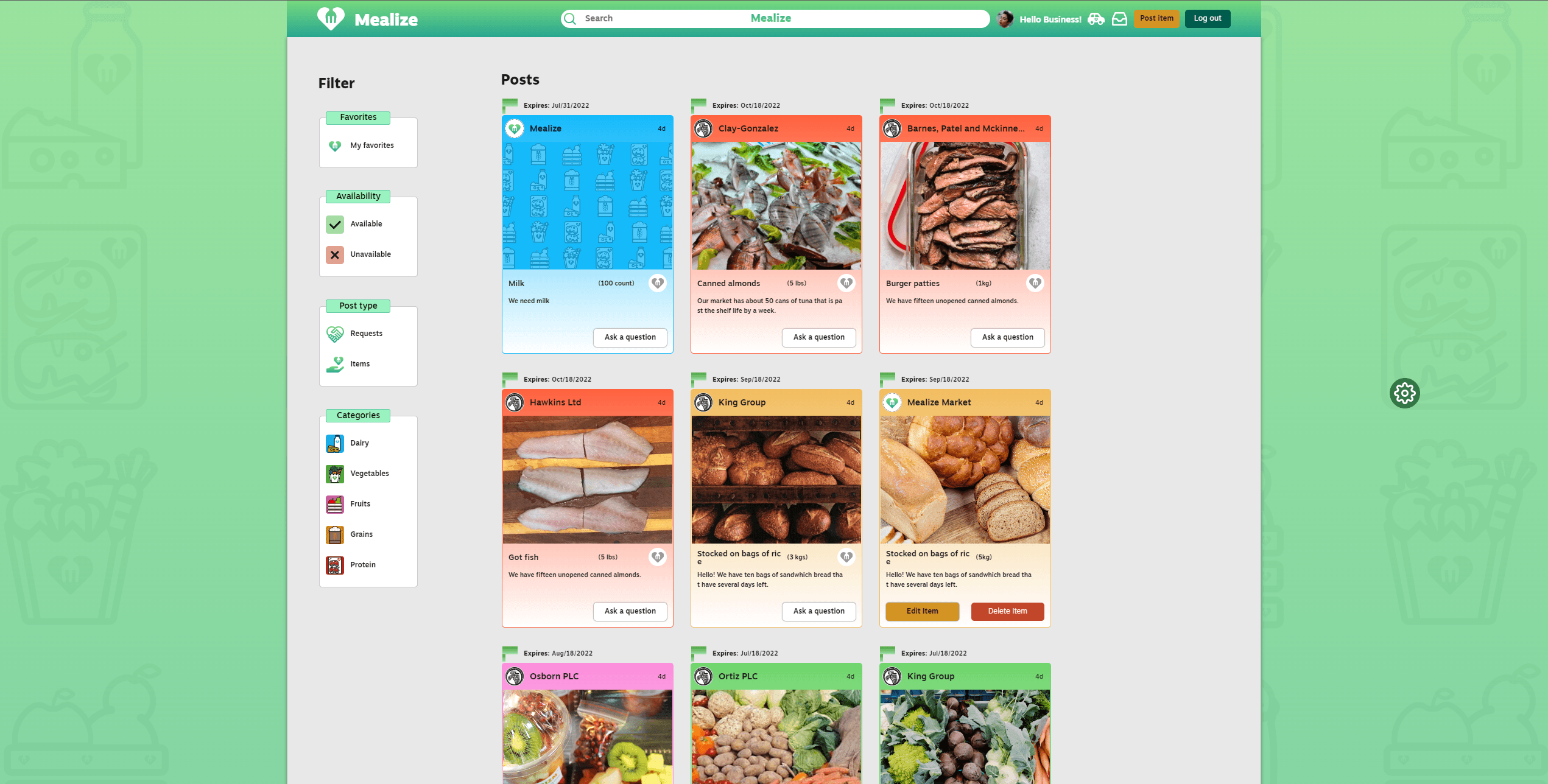
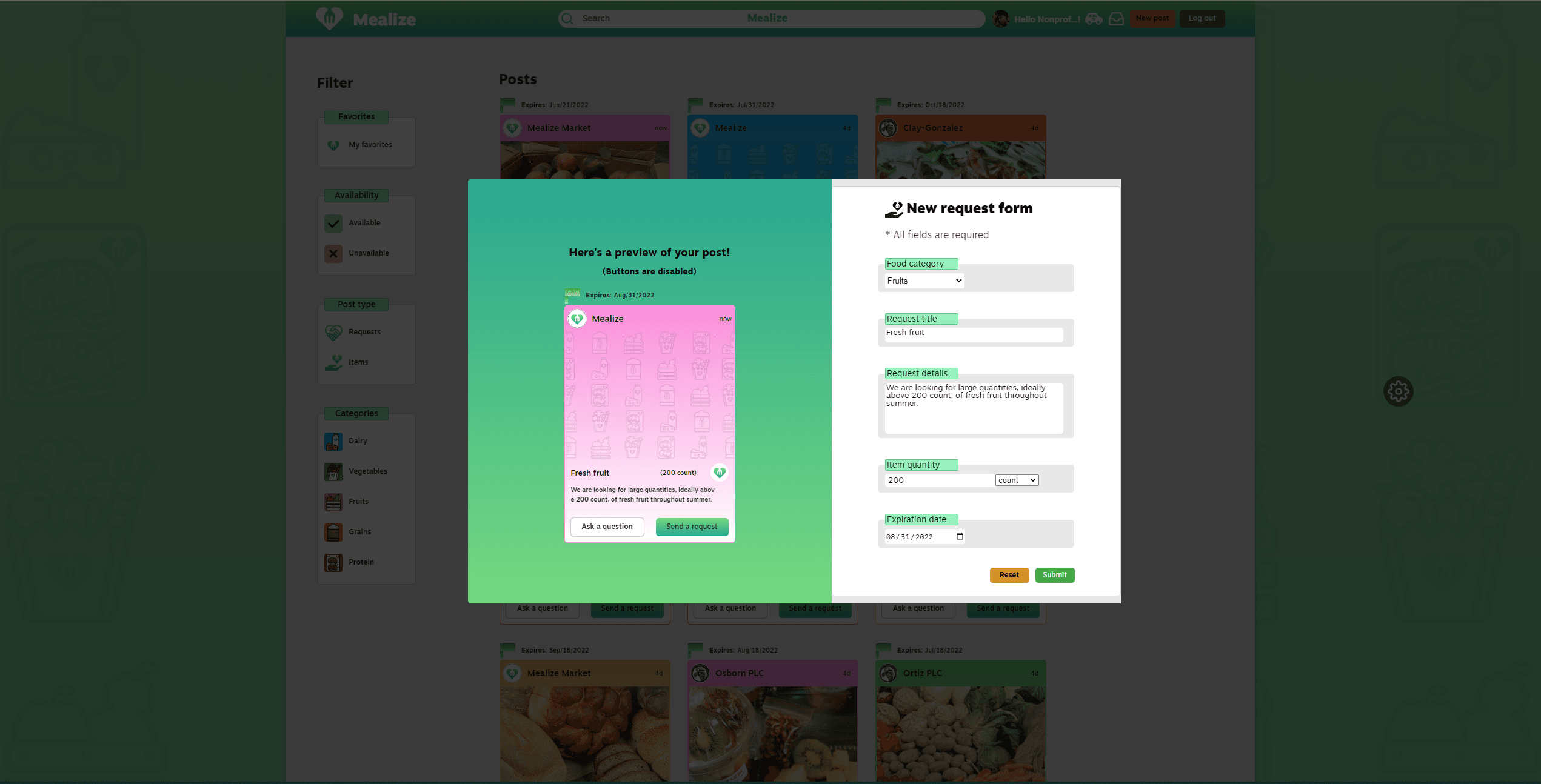
Post a request as a nonprofit manager.
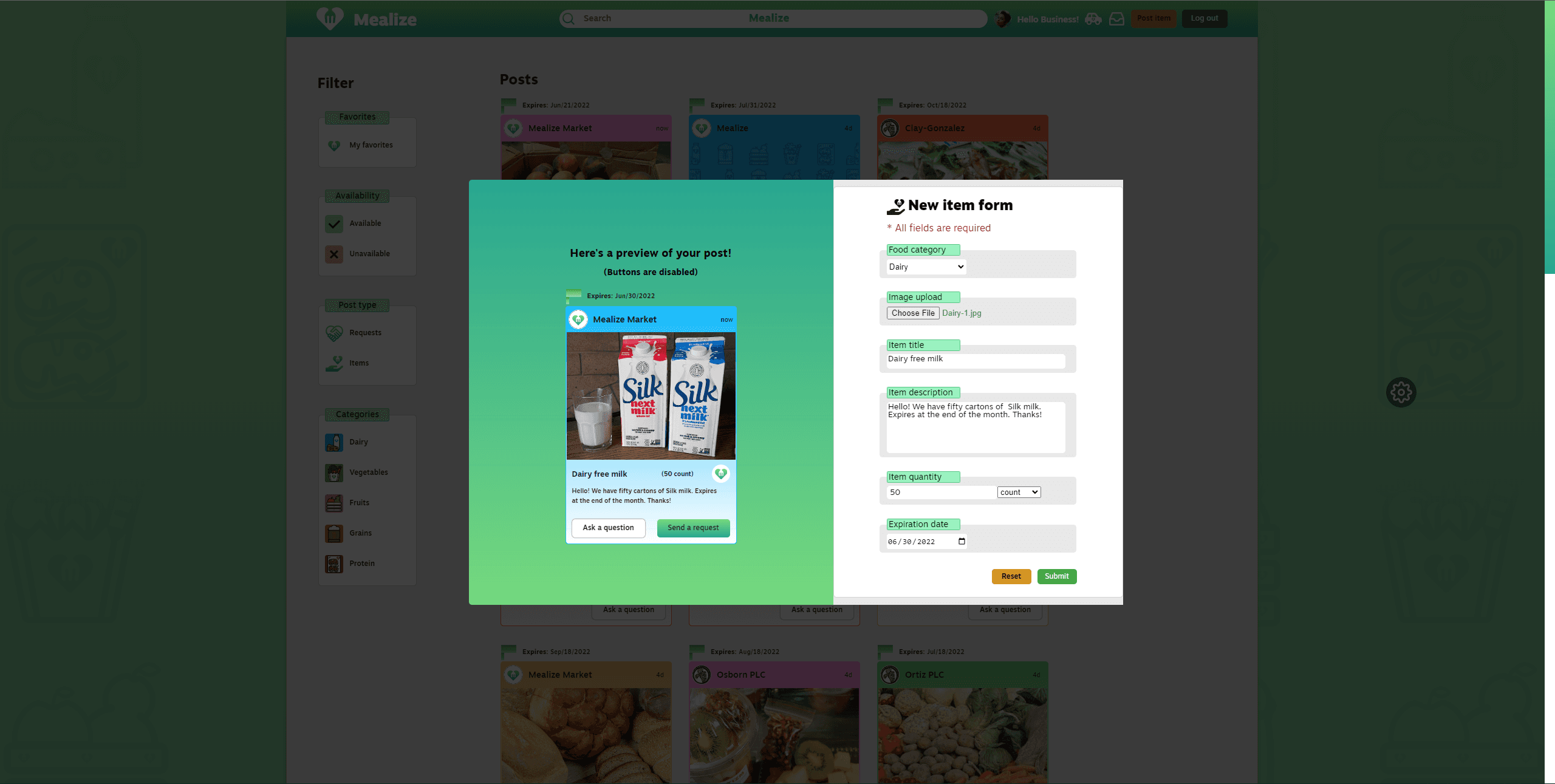
Post surplus food as a business manager.
Add posts to favorites list.
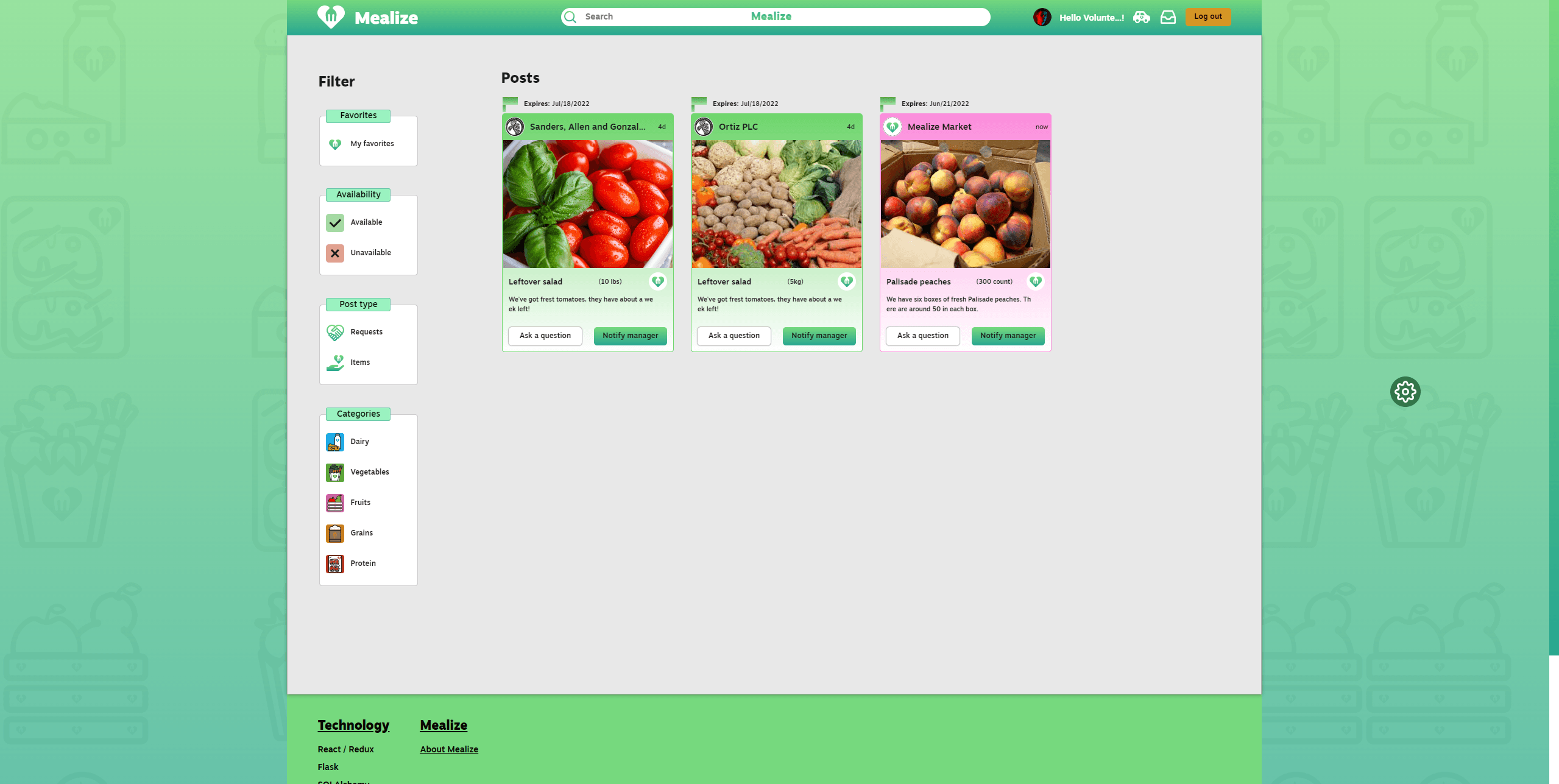
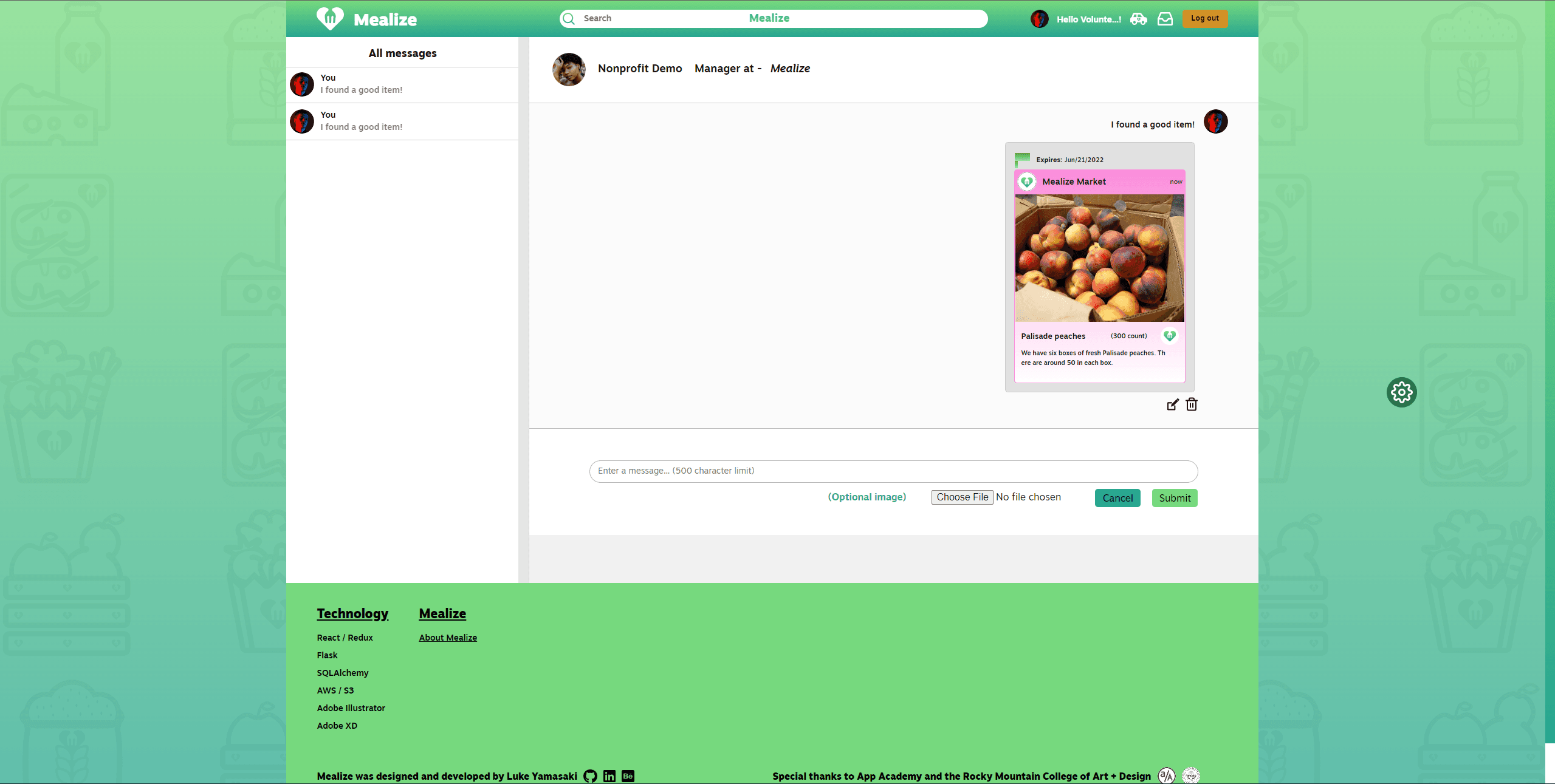
Notify managers about good items you find.
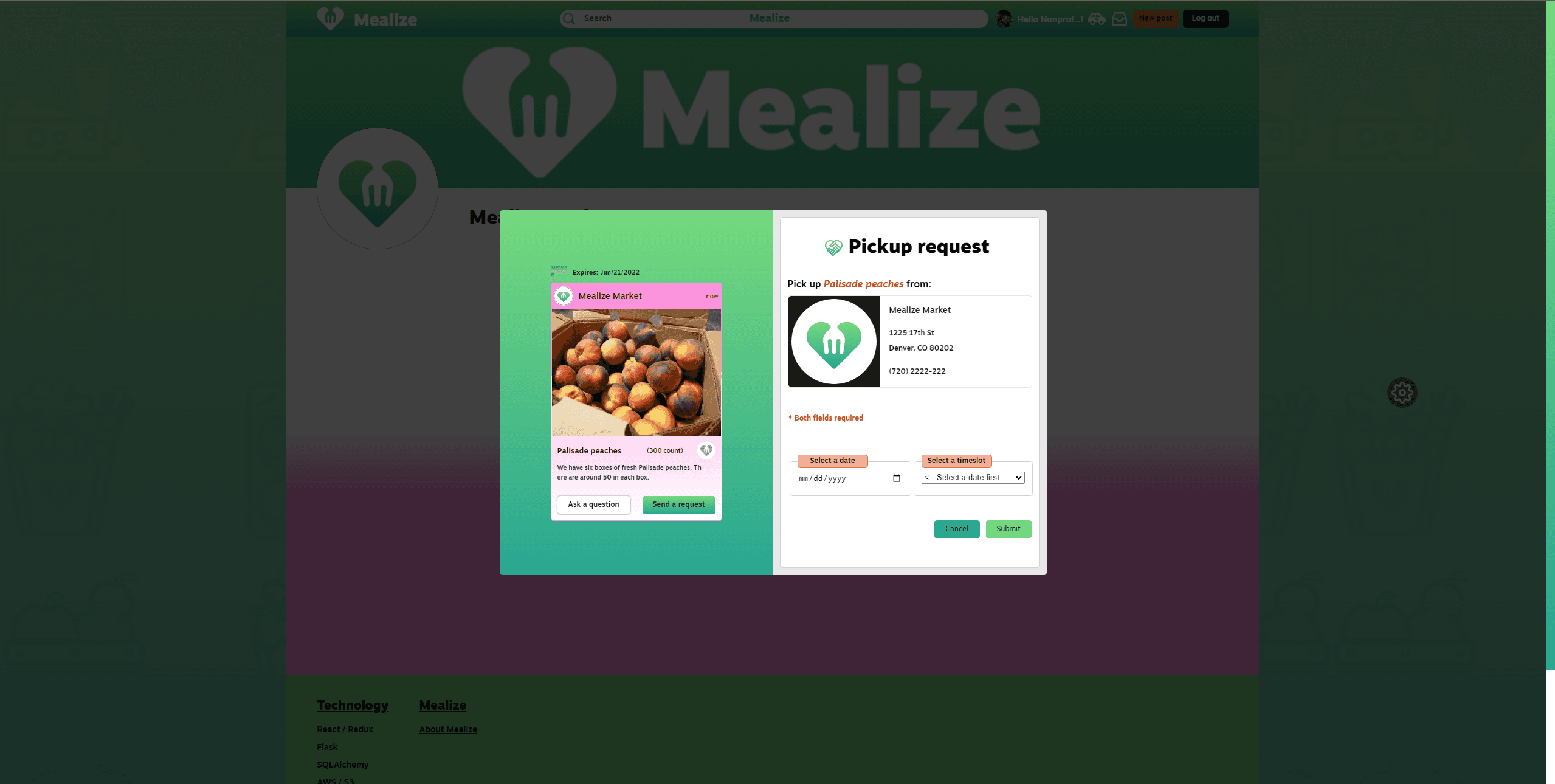
Send pick up request to business owners (limited to nonprofit managers).
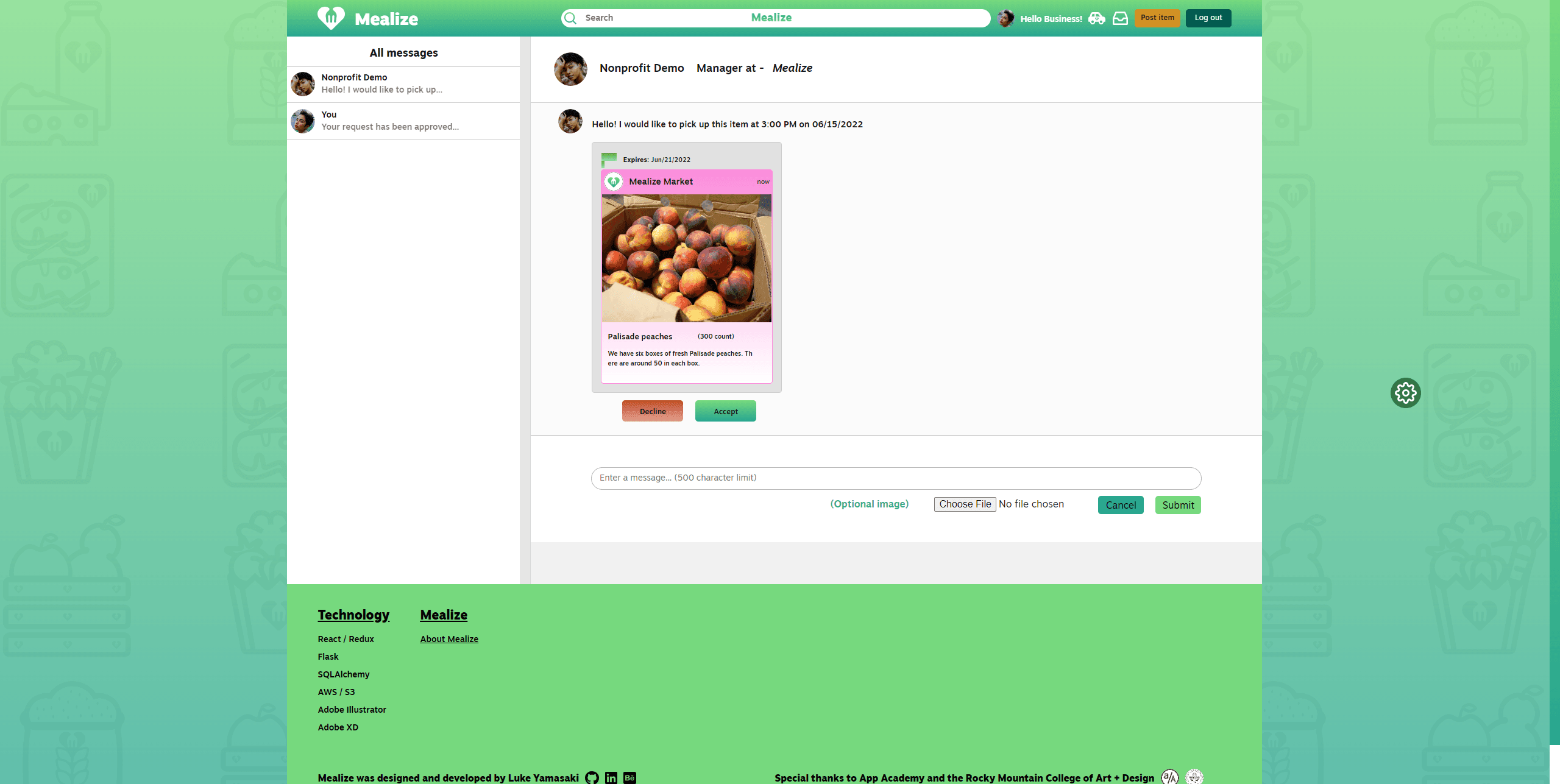
Accept or decline pick up requests (limited to business managers).
Check pending and accepted deliveries.
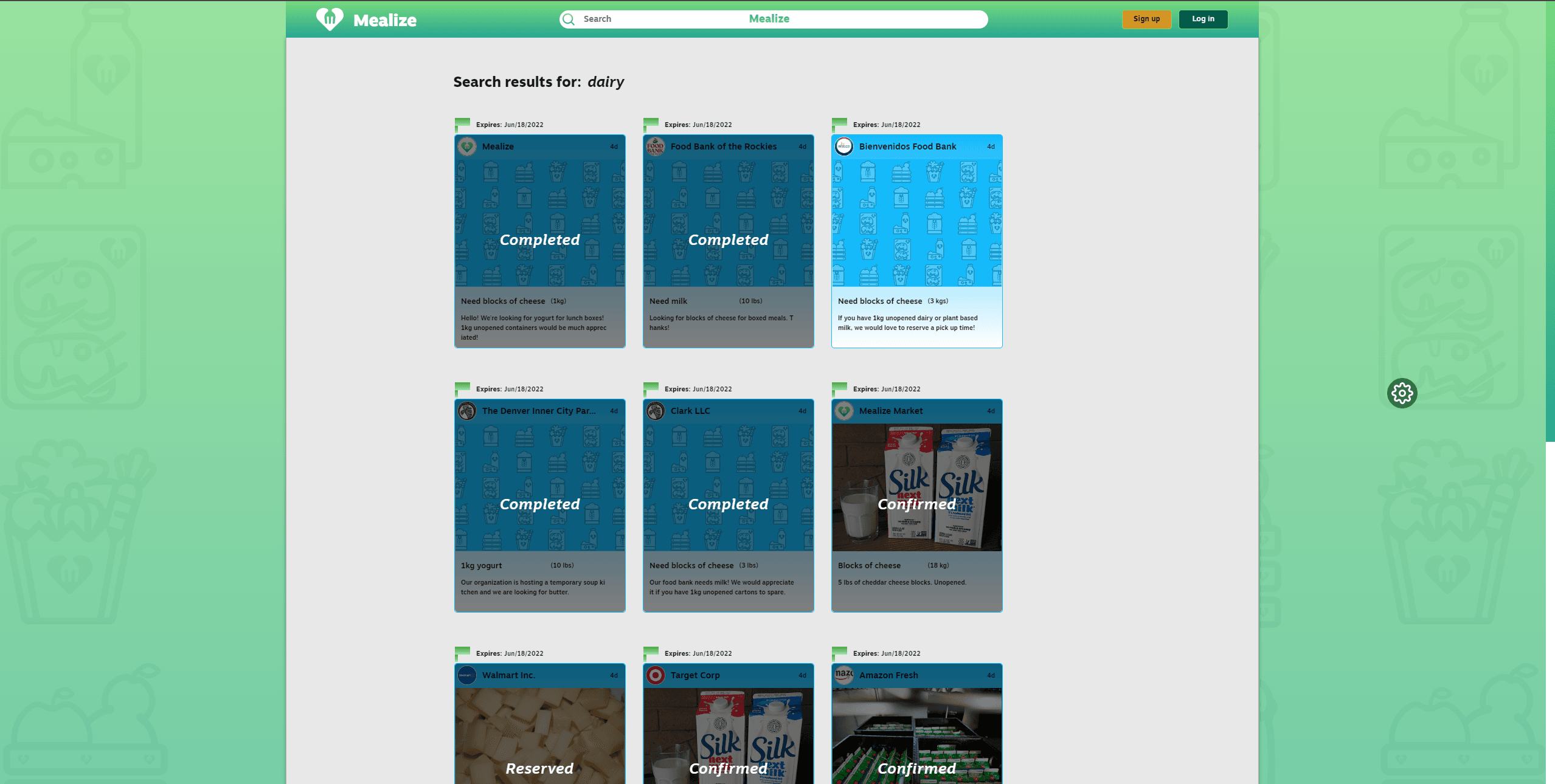
Filter by category and search items by keywords!